
This test post was generated using the block theme Emptytheme in WordPress 6.1.1.
Navigation block with page list:
Site logo:
Site title:
인생은 잘 놀다 가는 것
Tagline block:
노세 노세 젊어서 노세.
Query loop “Title & Date” variation:
-
test 2
-
test 1
-
WP 6.1 Font size scale
Query loop “Title & Excerpt” variation:
-
Block category: Widgets
The shortcode widget: The Archive Widget: The same Archive widget but as a dropdown: The Category widget block has an additional option for showing category hierarchies: The Latest Comments widget can display or hide the avatars, the date, and the comment excerpt: Here is an example of the Comments widget with all the options disabled.…
Query loop “Title, Date & Excerpt” variation:
-
Taumatawhakatangihangakoauauotamateaturipukakapikimaungahoronukupokaiwhenuakitanatahu
Title should not overflow the content area A few things to check for: Non-breaking text in the title, content, and comments should have no adverse effects on layout or functionality. Check the browser window / tab title. If you are a plugin or widget developer, check that this text does not break anything. The following…
-
Taumatawhakatangihangakoauauotamateaturipukakapikimaungahoronukupokaiwhenuakitanatahu
Title should not overflow the content area A few things to check for: Non-breaking text in the title, content, and comments should have no adverse effects on layout or functionality. Check the browser window / tab title. If you are a plugin or widget developer, check that this text does not break anything. The following…
-
This post has no title, but it still must link to the single post view somehow. This is typically done by placing the permalink on the post date.
Query loop “Image, Date & Title” variation:
-

기회를 놓치는 것보다 돈을 잃지 않는 것을 더 우선시하라.
-

힘있는 엄마요. 저는 힘있는 엄마가 될 거예요.
-

터틀 트레이딩 매매법
Avatar block:

Post title block:
WP 6.1 Theme block category
Post excerpt:
This test post was generated using the block theme Emptytheme in WordPress 6.1.1. Navigation block with page list: Site logo: Site title: Tagline block: Query loop “Title & Date” variation: Query loop “Title & Excerpt” variation: Query loop “Title, Date & Excerpt” variation: Query loop “Image, Date & Title” variation: Avatar block: Post title block:…
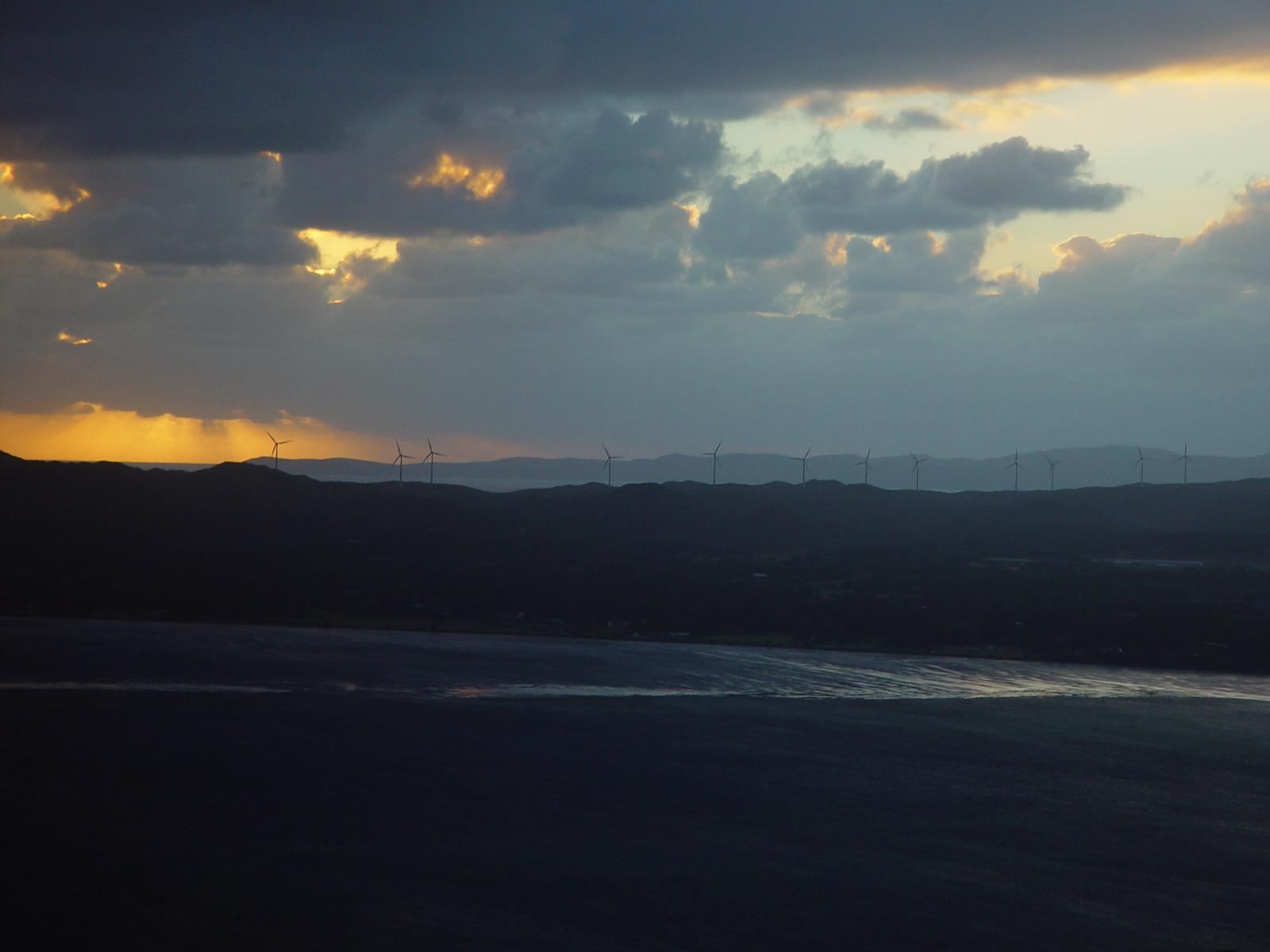
Post featured image:
Post author:

Post date:
Categories:
Tags:
Next post & previous post:
Read More:
더 보기: WP 6.1 Theme block categoryComments block:
-
This test post needs a comment.

Post comments form block:
댓글을 남겨주세요
Login/out:
Author biography block:
Term description, archive title, search results title can not be shown on single posts.
댓글을 남겨주세요